
Deskless employee communication
Communication that reaches people without a computer
Many employees have neither a work computer nor a company e-mail address. Worksmile delivers each message straight to every person's phone and shows HR who has read and confirmed it.
01Challenge
A message sent is not a message received
When part of the team works without a computer or company e-mail, company channels don't reach them. Information goes to the manager, and from there it all depends on them.
E-mail doesn't reach everyone
Employees without a company mailbox or computer are outside the main communication channel. Announcements from head office simply never get to them.
It all falls on managers
A manager receives the information and has to pass it on to each person separately – often across different shifts and workplaces.
No one knows who has read it
A printout or a note on the notice board gives no certainty that the team has read it. HR has no confirmation that the message got through.
Everyone hears something different
Information passed on by word of mouth changes along the way. Different teams end up following different rules.
02Solution
One message, straight to the phone
Every employee, whatever their role or location, gets the same information at the same moment. HR sees in the data who has read and confirmed it.
Messages that reach everyone
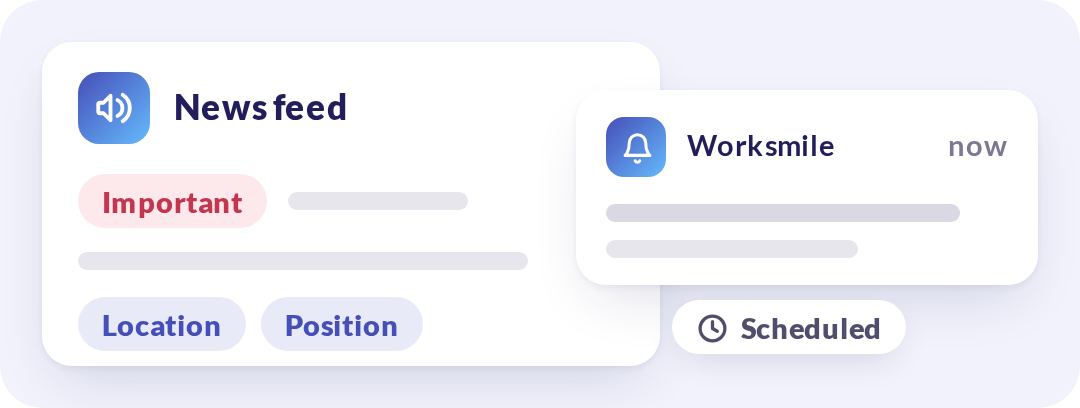
You publish a post on the news feed and mark it as “Important”. A push notification lands on the employee's phone screen, and groups by location or role let you target the right people. You can schedule publication in advance.
Modules in the platform
Certainty that the information arrived
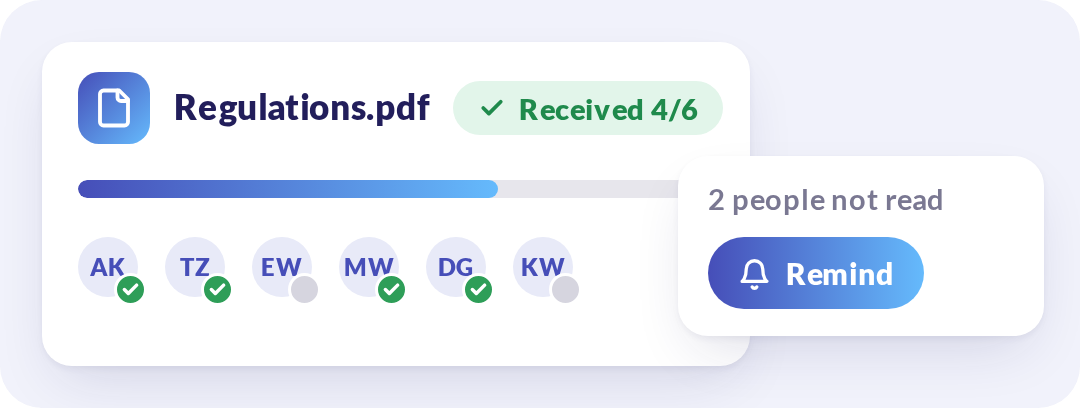
Employees confirm receipt of documents that require it in the app. Post analytics show in real time who read the message and when, and you can send a notification reminding people of an important announcement.
Modules in the platform
Knowledge always at hand
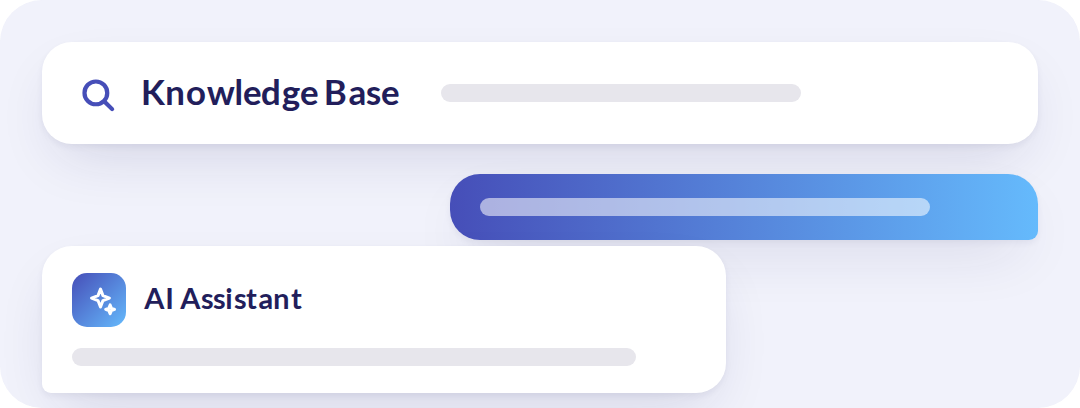
Procedures and key information live in the Knowledge Base and in pinned group posts. Employees returning from leave and new hires find them on their own, and the AI Assistant answers questions without involving HR.
Modules in the platform
Worksmile sends each message to every employee's phone and shows who has read it – even without a computer or company e-mail.
03Organisational impact
Messages that arrive and are confirmed
Communicating with teams that have no computer no longer depends on the notice board and managers' memory – and its effectiveness shows in the data.
Measurable message reach
Post reads and document read confirmations are in the data – you know who has read a message and who needs a reminder, with no guesswork and no paper lists.
A consistent message across the organisation
All locations and shifts receive the same content at the same time – rules don't change on the way from head office to the team.
Less operational work for managers and HR
Managers no longer repeat information to every shift separately, and HR doesn't collect confirmations by hand.
Faster employee self-reliance
New hires and employees returning from an absence find procedures and rules on their phones themselves – without involving their manager or HR.
See Worksmile on your own example
In the demo we will show the platform on your processes – from the perspective of HR, managers and employees.
Questions about deskless communication
Short answers to questions about reaching employees who have no computer or company e-mail. We will show you more in a demo.
How does a message reach an employee who has no computer or company e-mail?
HR publishes a post on the news feed in Worksmile and can mark it as “Important”. The employee gets a push notification on their phone, so they need neither a computer nor a company mailbox.
How does HR know who has read a message?
Post analytics show in real time who read the message and when. You can send a notification reminding people of an important announcement. Employees confirm receipt of documents that require it in the app.
Can a message go only to a selected location or role?
Yes. Groups by location or role let you target the right people. You can also schedule publication in advance.
How do you relieve managers who currently pass on every piece of information?
The message goes directly to every employee, so managers no longer repeat information to every shift separately. Managers see in real time who in their team has read a message, and HR can reach them through a separate HR–managers group.
Where does a new employee find procedures?
Procedures and key information live in the Knowledge Base, with search, and in pinned group posts. New hires and employees returning from leave find them on their own on their phones, and the AI Assistant answers questions without involving HR.
How does Worksmile ensure employee data security?
The platform uses data encryption, RBAC, audit logs and hosting in certified data centers, and is compliant with GDPR and ISO – minimizing legal and operational risks.
Does Worksmile integrate easily with our current tools?
Yes. A lightweight, well-documented API and ready-made integrations are available (SSO, HR and payroll systems, ATS, working time). The result: automatic data synchronization and elimination of manual work.