How many hours a week does your HR team lose to manual work? Find out in a free survey (in Polish) →START >>>

E-signature

Digital documents and cases with a complete signature history

Employees sign everyday documents with a simple electronic signature, and those that require written form, such as an employment contract –⁠ with a qualified signature. They can provide both signatures from a computer or phone, and HR sees the status of every document in real time.

Worksmile on G2: 121 reviews, 4.5 rating
Worksmile app – electronic signing of documents

Business outcomes you will see quickly

We support HR and team managers while caring for the experience of 100% of employees –⁠ across the entire employee lifecycle

Shorter document turnaround time

A document can come back signed the very same day –⁠ from a computer or phone, without printing, scanning or waiting for a paper version.

Real-time status visibility

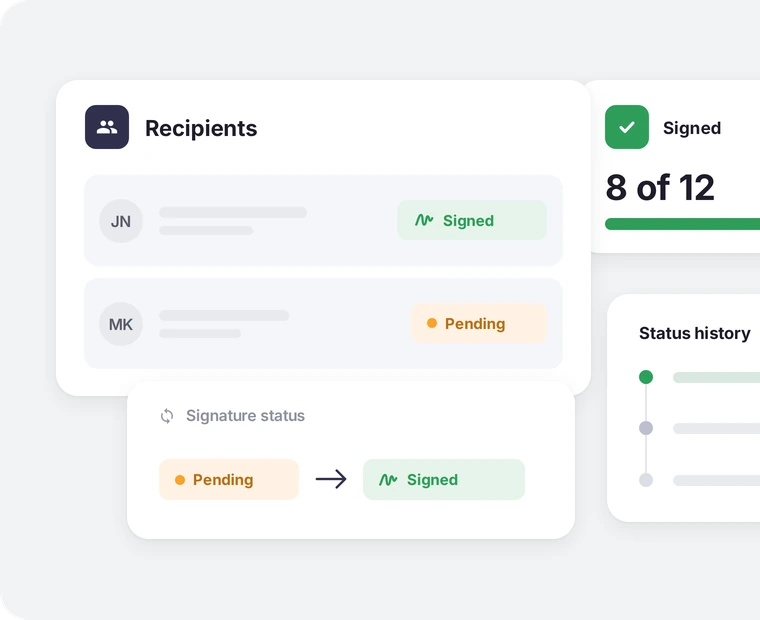
HR sees at a glance who has received a document, who has signed it and who has not taken any action yet –⁠ without sending email reminders.

Written form without a visit to the office

Employees sign their employment contract remotely with a qualified signature –⁠ even before their first day at work.

A single source of truth for every signature

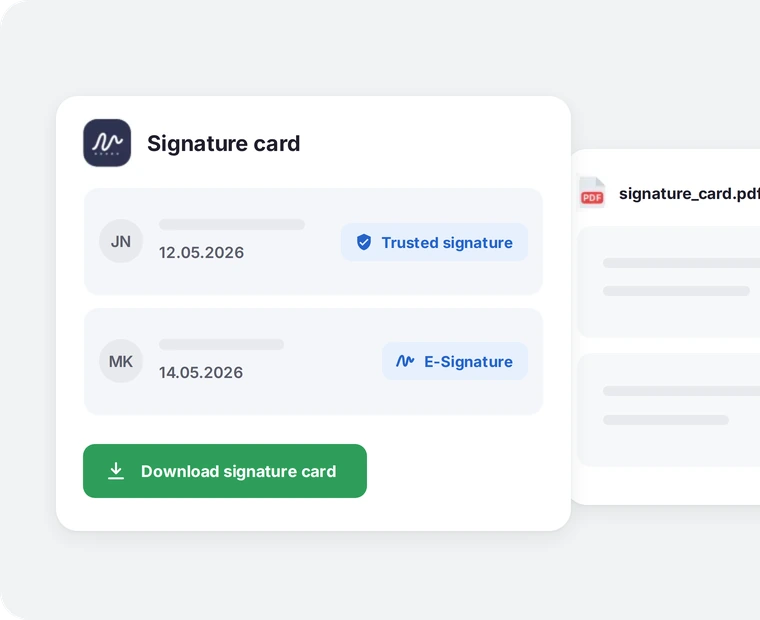
The signature card collects the complete history in one file, regardless of how many recipients and documents it covers –⁠ ready for audit at any time.

E-signature across the platform

The same process –⁠ regardless of the module

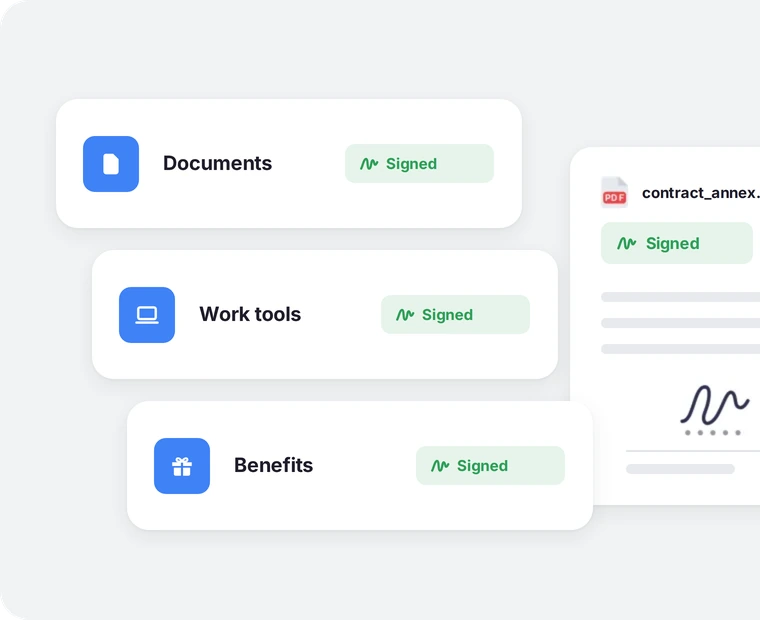
The simple electronic signature works the same way for amendments in employee documents, for equipment assignment in the work tools register and for benefit orders placed by contractors. Employees sign the same way –⁠ whatever the document concerns.
See it in a demo: The same process –⁠ regardless of the module
E-Signature in the Documents, Work tools and Benefits modules with a “Signed” status, and a signed contract annex PDF.

Simple electronic signature (SES)

Everyday documents without printing or scanning

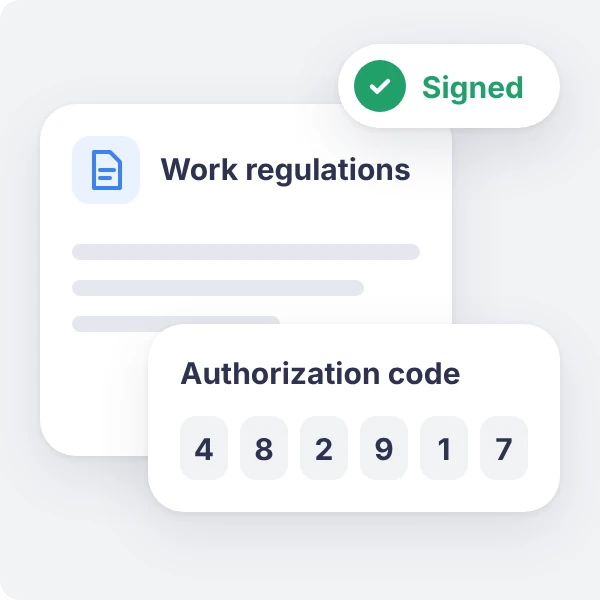
Employees sign regulations, amendments and acknowledgments of receipt with a simple electronic signature –⁠ in the browser or in the mobile app. All it takes is a click and an authorization code.

See it in a demo: Everyday documents without printing or scanning
Work regulations with a “Signed” status and a six-digit authorization code for a simple electronic signature.

Qualified electronic signature (QES)

Documents that require written form –⁠ remotely, too

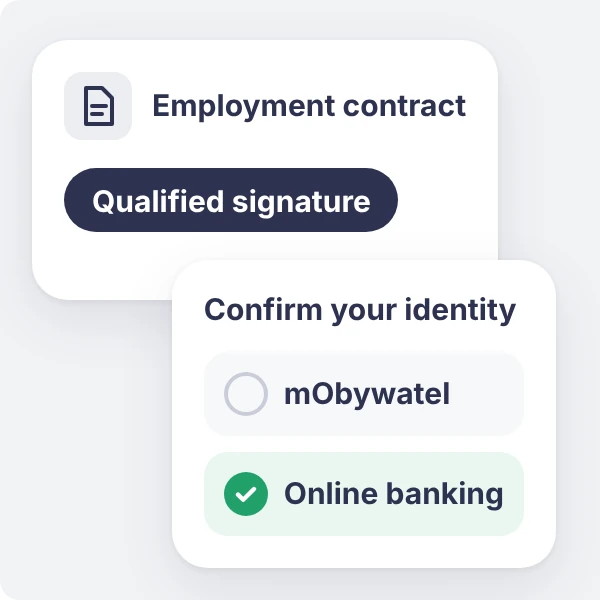
Users sign employment contracts and other documents that require written form with a qualified signature. They confirm their identity via mObywatel (the Polish government ID app) or online banking and do not need their own certificate. HR decides which documents require a qualified signature.

See it in a demo: Documents that require written form –⁠ remotely, too
An employment contract for a qualified signature and identity confirmation options: mObywatel or online banking.

How do companies use our solution?

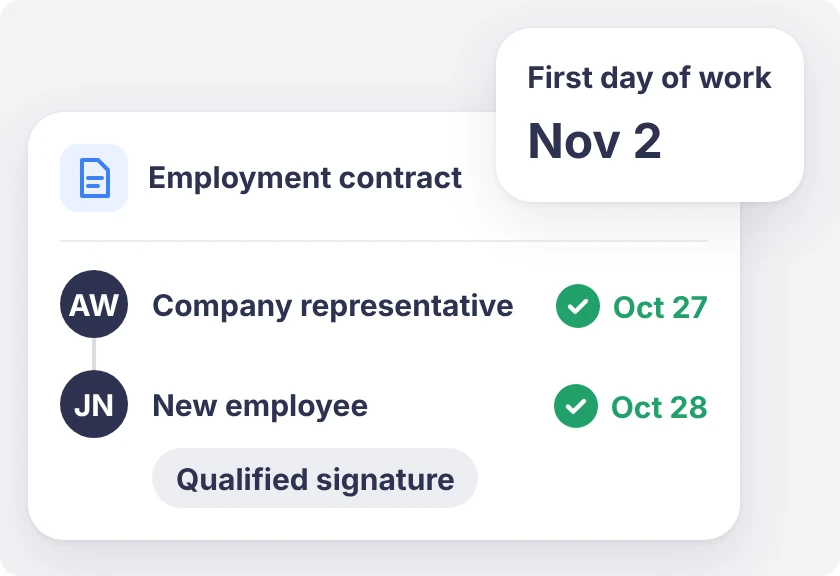
An employment contract signed by a company representative on Oct 27 and by the new employee on Oct 28 with a qualified signature, first day of work Nov 2.

Employment contract signed before the first day of work

HR adds a contract already signed by a company representative, and the new employee signs it from home with a qualified signature –⁠ via mObywatel or online banking.

Result: remote onboarding with no trip to the office and no mailing the contract back.

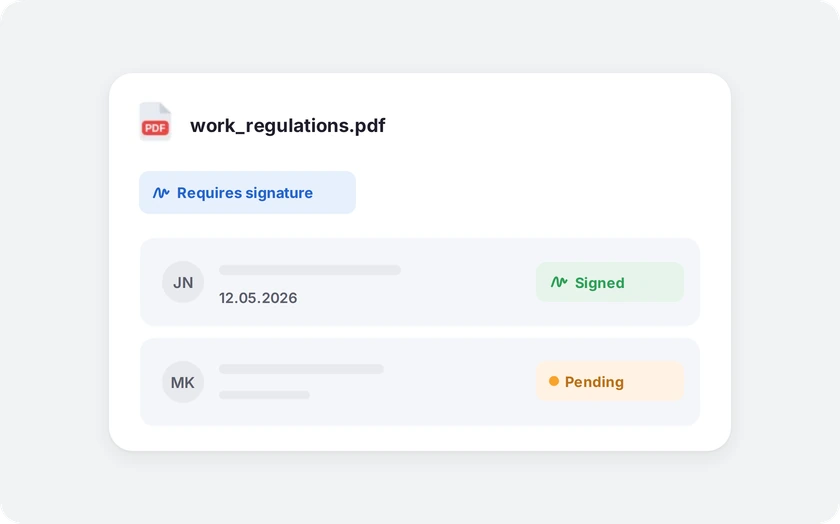
Work regulations PDF marked as requiring a signature, with a list of employees and “Signed” (12.05.2026) and “Pending” statuses.

Signing a regulations update, not just clicking

The amended regulations are sent to employees as a document that requires a signature.

Result: HR sees at a glance who has already provided an e-signature and who has not yet.

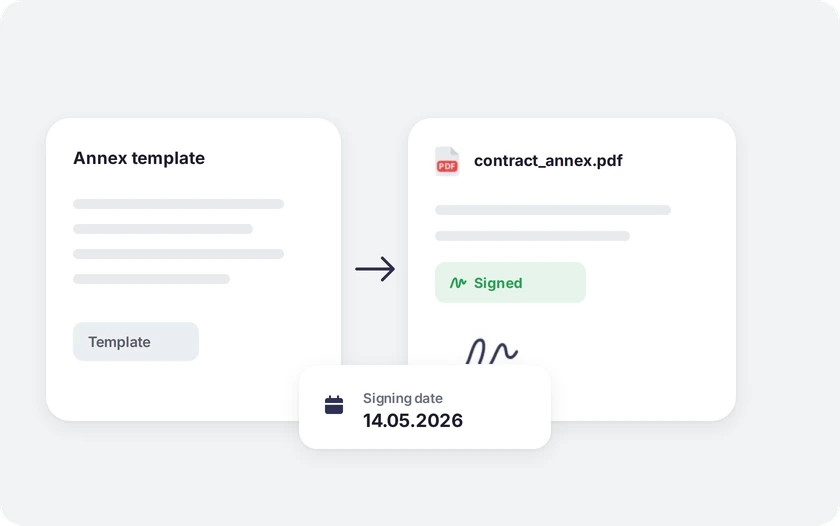
A contract annex generated from a template and signed electronically, with a signing date of 14.05.2026.

Amendments signed right after being generated from a template

HR generates personalized contract amendments from a template and sends them for signature.

Result: an amendment drafted, sent and signed on the same day, instead of a process that takes several days.

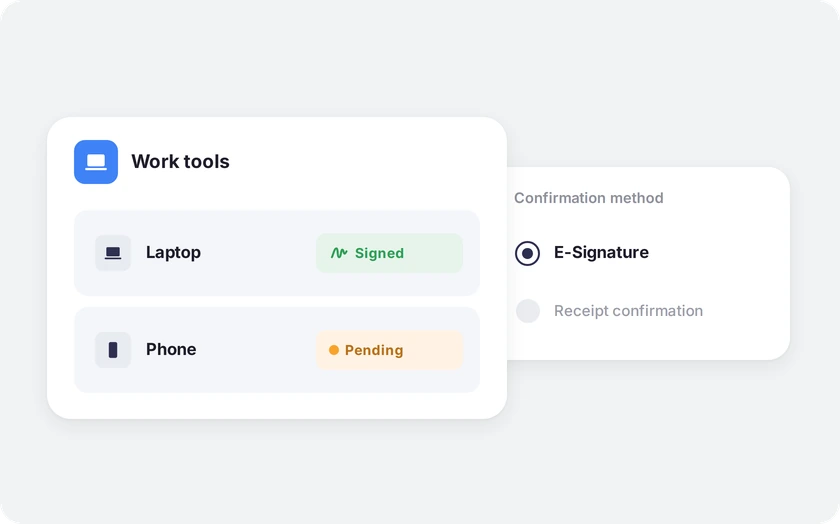
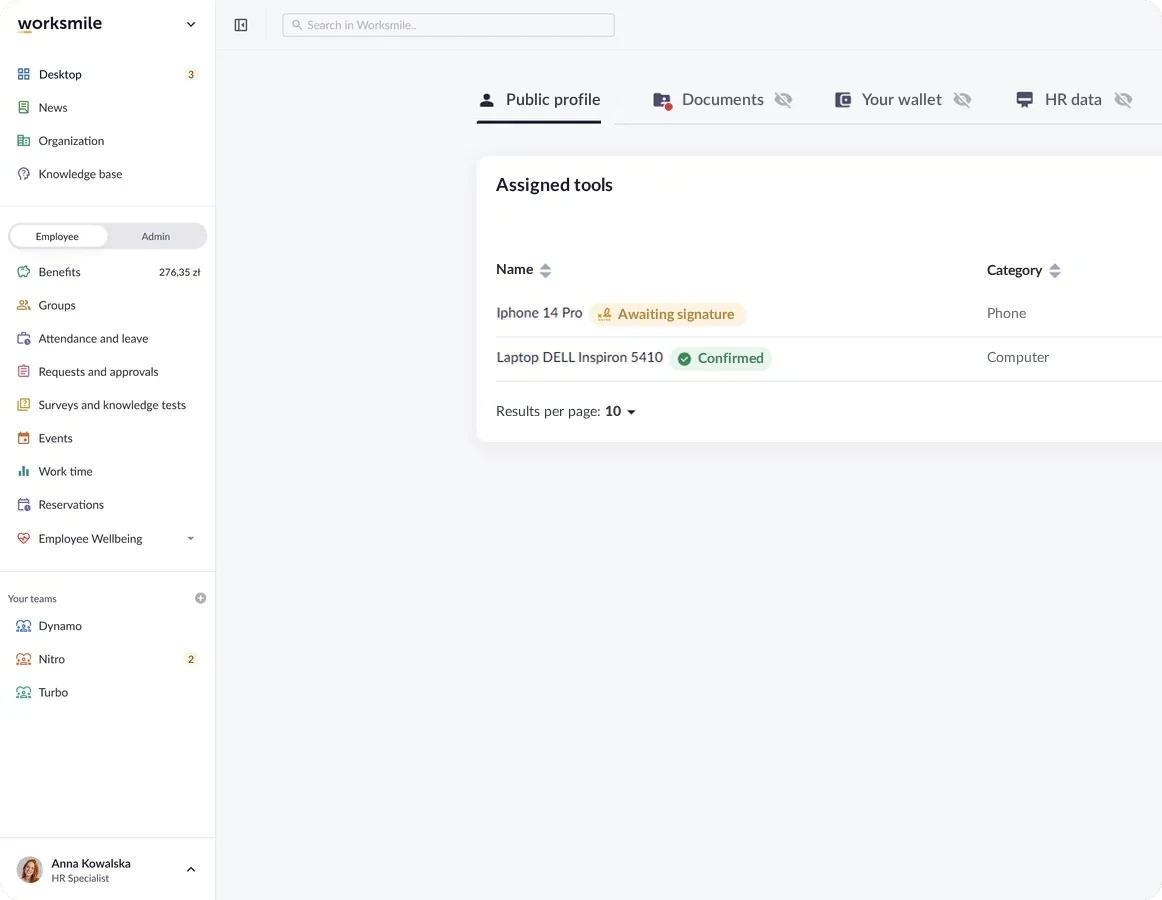
Work tools – a laptop signed and a phone pending – with E-Signature selected as the confirmation method instead of receipt confirmation.

Confirming receipt of equipment in Work tools

When assigning a laptop, phone or access card, HR selects e-signature as the confirmation method. The employee signs for receipt of the equipment directly in the platform, without a paper handover protocol.

Result: an auditable history of equipment handovers, without paper in a binder.

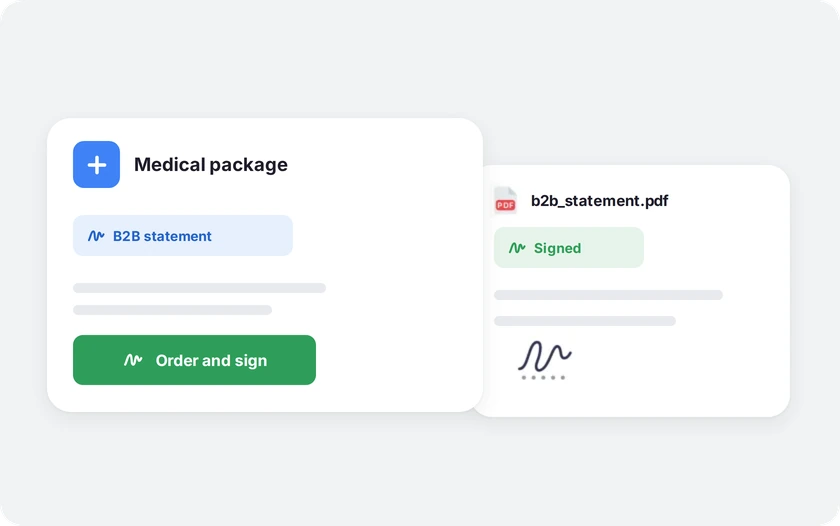
Ordering a medical package with a B2B statement signed via the “Order and sign” button, and the signed statement PDF.

Ordering a benefit in the B2B model

The contractor signs statements electronically, without printing the document and emailing it back to HR.

Result: the order approved and signed in one step, without additional correspondence and with full compliance.

Who is it for? For HR, Managers and Employees

We support HR and team managers while caring for the experience of 100% of employees –⁠ across the entire employee lifecycle

HR:

sees the signature and signing date for every document, without asking employees to send back a signed copy

Employee:

signs the document right away on a phone or computer, without printing or scanning.

Management board:

has certainty that key documents have a documented signature, ready to present during an audit or inspection.

Trusted by over 360 clients and 200,000 employees

A platform people actually use, so HR projects deliver real results.

Click a customer logo with a case study to read the implementation story. All case studies →

Want to know more about our platform?

See the answers to the most frequently asked questions, and if you want to learn more, click the “Book a demo” button

How does Worksmile increase organizational efficiency?

Worksmile lets companies choose only the features they actually need and adapt them to their existing processes, instead of forcing the organization to work according to a rigid system. As a result, HR, communication and benefits processes become faster, simpler and more predictable.

The platform connects many areas horizontally –⁠ HR processes, internal communication and benefits management –⁠ consolidating them into one coherent tool. This eliminates tool chaos and data fragmentation, while also delivering financial savings.

  • HR and managers are genuinely relieved of operational work thanks to a single panel for working with the team and HR processes.

  • Employees no longer search for information in emails, files and several systems –⁠ everything they need is in Worksmile.

  • The management board and decision-makers gain consistent data on how the organization operates, enabling them to better assess performance and build forecasts that support business decisions in the years ahead.

The result: less manual work, fewer tools, less chaos –⁠ more control, speed and better decisions.

How does Worksmile support the HR department in operational work?

The HR Panel is the central place for managing the organizational structure, employment history, employee data, processes, documents, requests, communication, benefits and reports. HR gains one tool for end-to-end process control, which improves the quality of employee service, shortens turnaround times and reduces the risk of errors.

How does Worksmile support team managers in operational work?

The Manager Panel provides access to key team data, attendance, benefits data, requests, documents and processes. The manager gets one operational tool that increases their agency, speeds up decision-making, improves communication with the team and lets them lead it based on up-to-date data.

Is switching to Worksmile from another platform difficult?

No –⁠ migration follows a standardized process and is run by a dedicated team. Data, structures and history are transferred without disrupting the company’s work.

Does Worksmile integrate easily with our current tools?

Yes. A lightweight, well-documented API and ready-made integrations are available (SSO, HR and payroll systems, ATS, working time). The result: automatic data synchronization and elimination of manual work.

How does Worksmile ensure employee data security?

The platform uses data encryption, RBAC, audit logs and hosting in certified data centers, and is compliant with GDPR and ISO –⁠ minimizing legal and operational risks.

How is Worksmile different from an HR and payroll system?

HR and payroll systems are essential for settlements, payroll and formal and legal obligations. Worksmile operates one layer above –⁠ it supports the everyday work of HR, managers and employees, where organizational efficiency is actually created.

Worksmile:

  • organizes and automates HR processes (onboarding, offboarding, documents, consents, requests, surveys, performance reviews),

  • centralizes and streamlines internal communication,

  • manages employee benefits,

  • gives managers and HR one operational tool for working with the team,

  • provides consistent data and reports that support management decisions.

The HR and payroll system and Worksmile do not compete with each other –⁠ they complement each other.
Thanks to integration (API / SSO), data is synchronized and the company gains:

  • less manual work,

  • fewer errors,

  • better information flow,

  • greater process transparency.

The result: HR and payroll handle settlements, while Worksmile genuinely improves how the organization works day to day.

How does Worksmile help reduce the cost of multiple HR tools?

It replaces several separate systems with one ecosystem, lowering licensing, implementation and administrative costs.