How many hours a week does your HR team lose to manual work? Find out in a free survey (in Polish) →START >>>

Company intranet

An intranet where important information really gets through

News, groups, events and reach analytics in one place. Messages reach the right people –⁠ in the app, via push notification, email or Microsoft Teams –⁠ and HR sees who has read them.

Worksmile on G2: 121 reviews, 4.5 rating
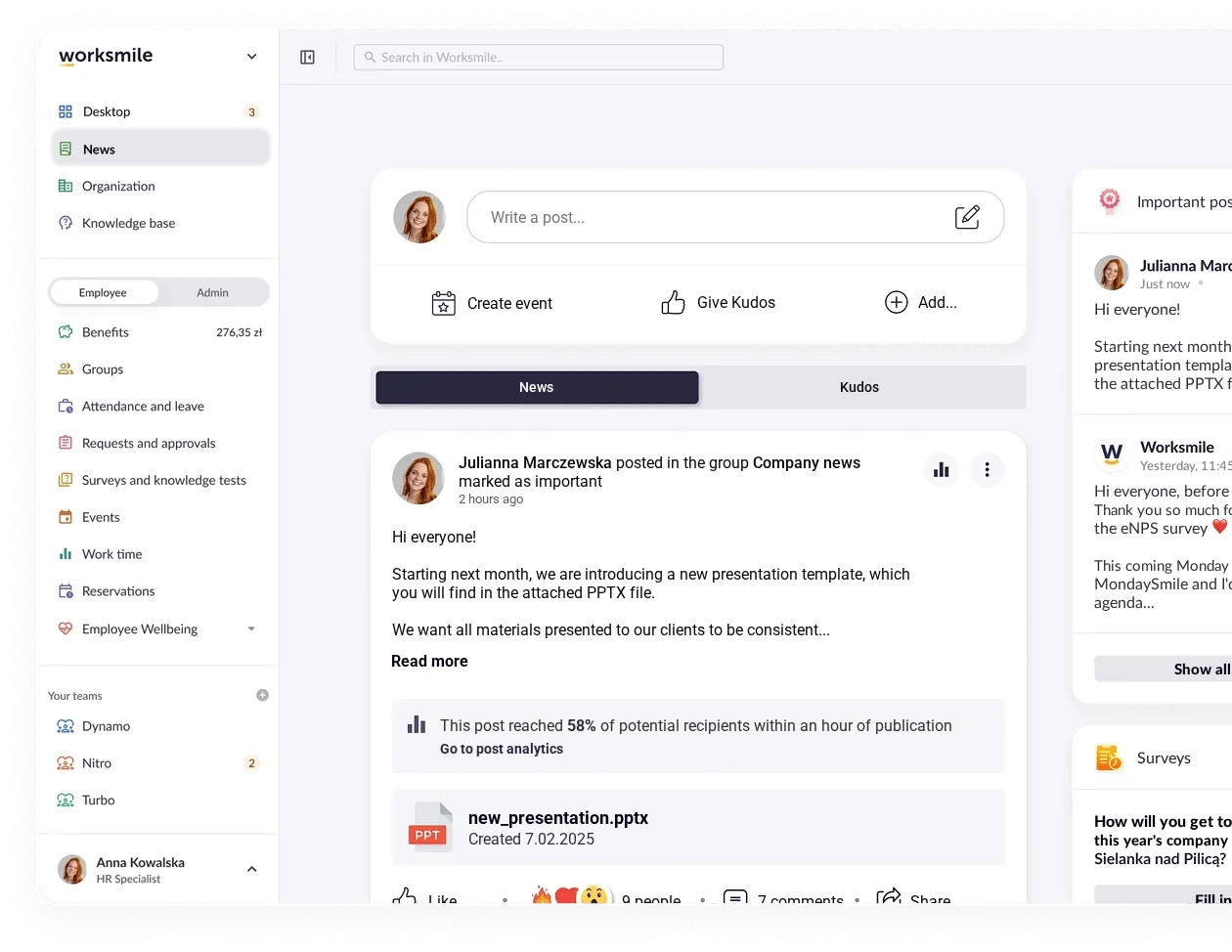
Worksmile intranet – news feed with employee posts, reactions and comments

Business results you will see quickly

We support HR and team managers while caring for the experience of 100% of employees –⁠ across the entire employee lifecycle

Better reach
for key messages

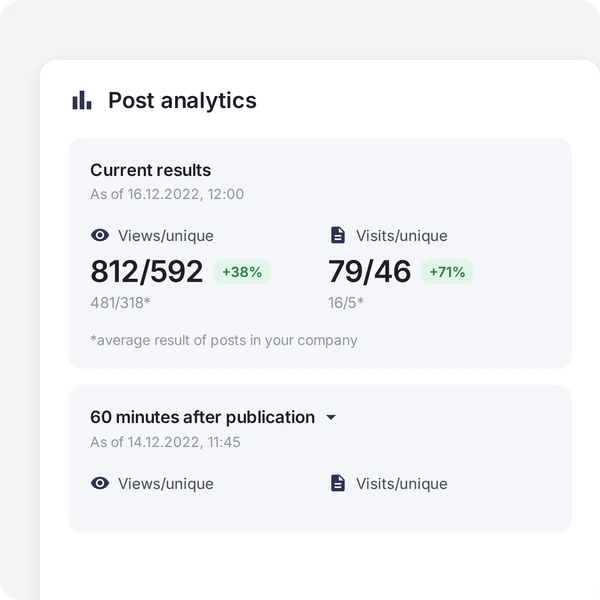
You see actual reads, not just “sends” –⁠ and you remind those who have not yet read important information.

Reaching employees without a work email, too

The mobile app and push notifications reach people on the production floor, in the field and in stores –⁠ not just in the office.

Less information chaos and fewer questions to HR

News, rules and events are in one place, so scattered emails, chats and repeated questions disappear.

A stronger sense of belonging, also in hybrid work

Groups, events and grassroots initiatives build relationships between people from different locations and teams.

News and announcements

Confidence that important information
arrives on time

Publish company and HR announcements on the news feed. Target them to departments, locations or roles, mark them as “Important”, pin them and schedule publication. Add photos, videos and files, while automatic translation into more than 20 languages helps you reach multilingual teams.
See it in a demo: Confidence that important informationarrives on time
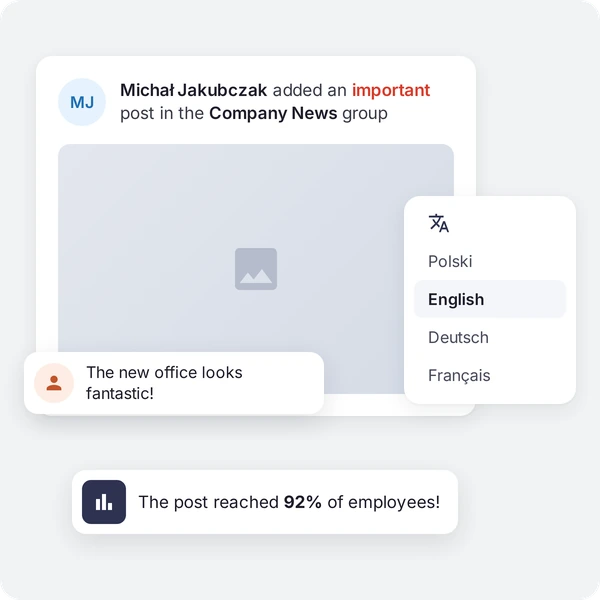
Michał Jakubczak’s important post in the Company News group with a translation menu and a note that it reached 92% of employees

Groups and community

Team communication and grassroots initiatives in one place

Create company-wide, project, location and topic groups. Employees post, comment and react, and groups also hold team files –⁠ connected to SharePoint with the Microsoft 365 add-on. An employee directory with profile cards makes it easy to find the right person.

See it in a demo: Team communication and grassroots initiatives in one place
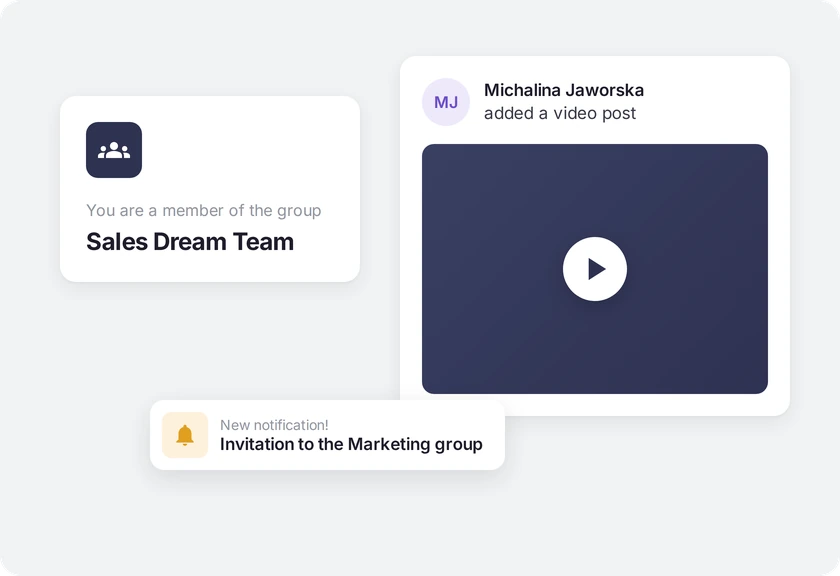
The Sales Dream Team group, a video post in a team group and a notification about an invitation to the Marketing group

Post approval

Employees write, and you decide what makes it to the feed

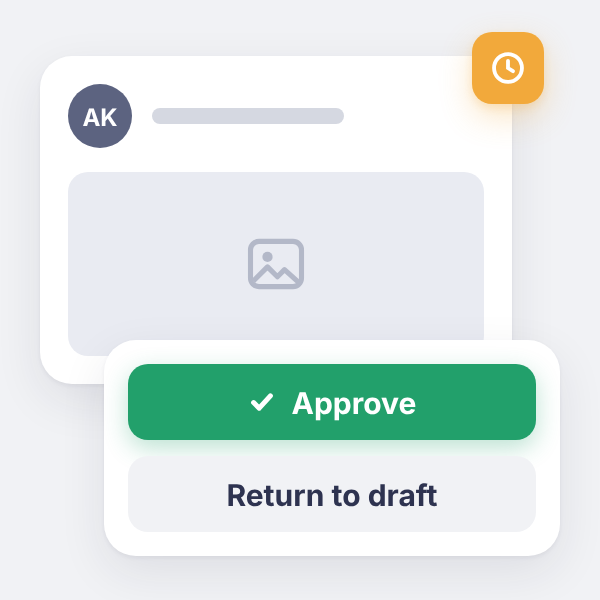
Turn on post approval in selected groups and choose who approves content –⁠ the group’s founder, administrator or editor. The moderator reviews posts before publication and approves them with one click or sends them back for revision with a comment. Scheduled posts also go through approval. Groups stay active, and the organization keeps control over the quality of what readers see.

See it in a demo: Employees write, and you decide what makes it to the feed
Post awaiting approval with Approve and Return to draft buttons

Communication hub

Authors know what is happening with their posts

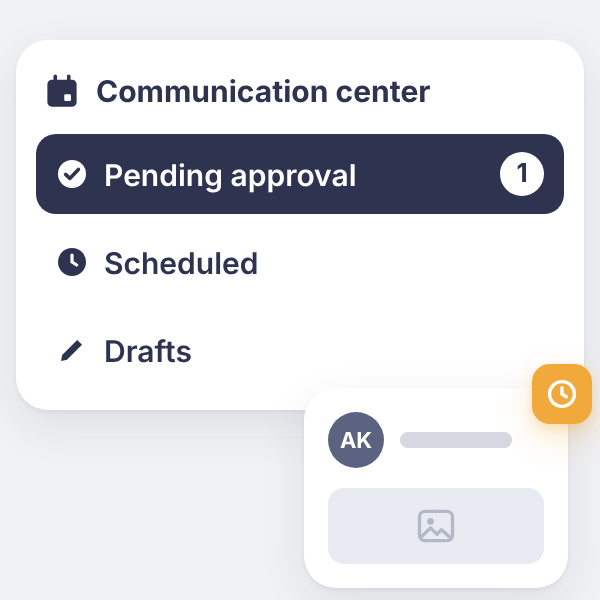
Authors see their drafts, scheduled posts and posts awaiting approval in one view on the news feed –⁠ no searching through notifications or going back to groups. When a moderator sends a post back, the author gets the reason for the decision, revises the content and resubmits it. Edits to a published post also go through approval, and until then readers see the previous version.

See it in a demo: Authors know what is happening with their posts
Communication center with Pending approval, Scheduled and Drafts sections

Events

Company events that are easy to sign up for

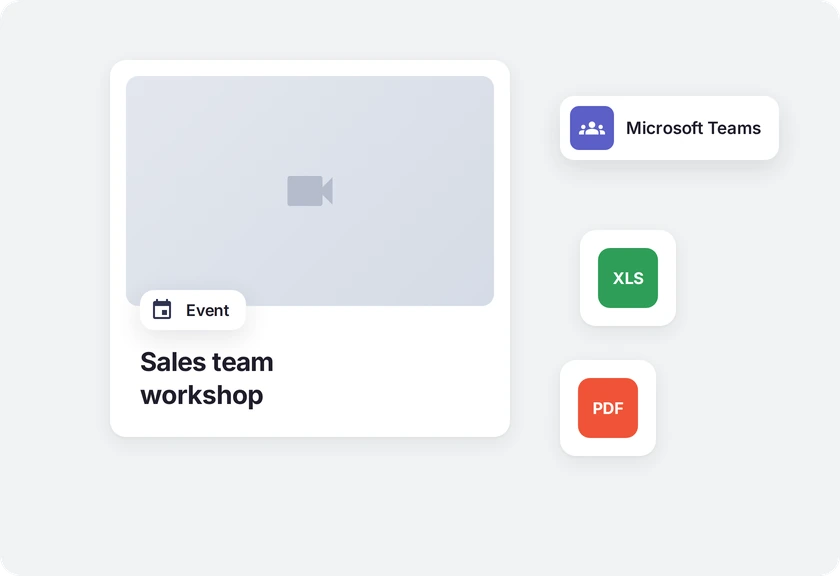
Organize meetings, training sessions and team events –⁠ on-site or online –⁠ with an agenda, location and files. Create open events or events for selected groups only. Employees sign up in the app, and with the Microsoft 365 add-on events land in the Outlook and Teams calendar.

See it in a demo: Company events that are easy to sign up for
The “Sales team workshop” event in Worksmile with Microsoft Teams integration and attached XLS and PDF files

Multichannel reach and push

One message –⁠ many channels, without duplicating work

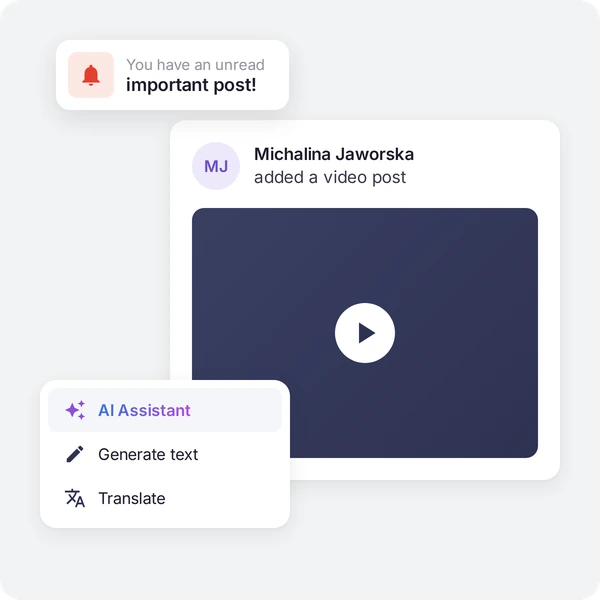
The same message reaches employees through the Worksmile platform and mobile app, a push notification with custom content, email and Microsoft Teams. Employees also get an email digest of unread posts, so nothing important slips past people working away from the office.

See it in a demo: One message –⁠ many channels, without duplicating work
An “unread important post” notification, a video post in a group and the AI Assistant menu with Generate text and Translate options

Post creator with AI

From idea to a finished announcement, faster

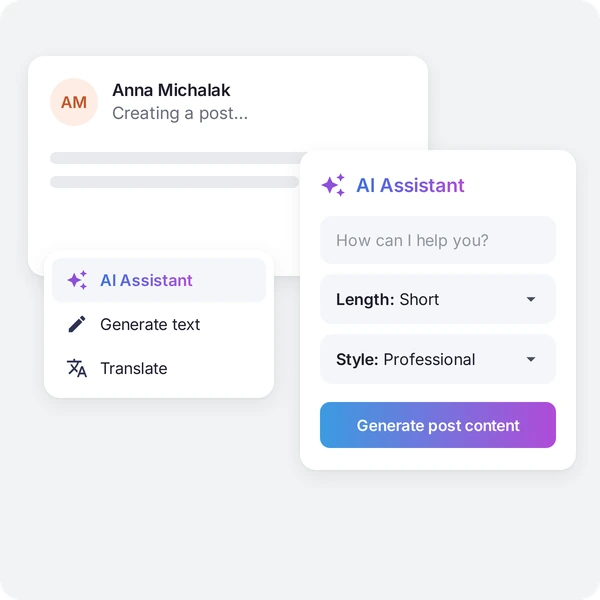
AI in the post creator helps prepare a first draft from a short prompt, tidy up the formatting, translate the text into other languages and adjust the tone to the audience. The author decides what gets published, and HR and the communications team move faster from idea to a finished announcement.

See it in a demo: From idea to a finished announcement, faster
Post creator with the AI Assistant – generating content with length and style options, and translation

AI post summary

Key information, even for those reading on the go

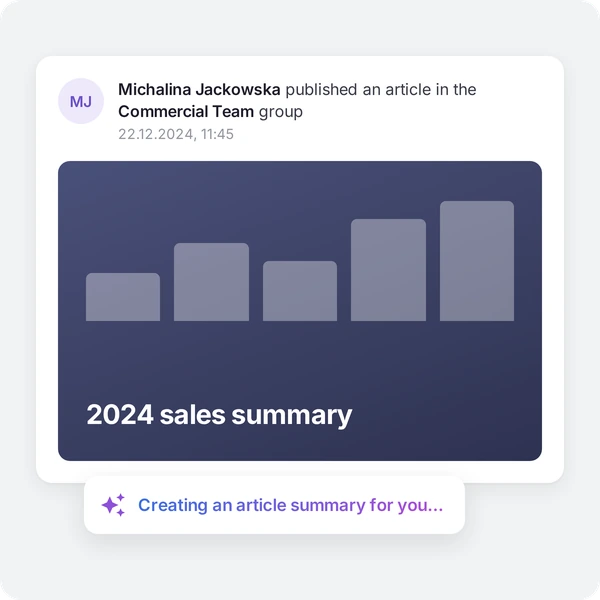
Not everyone has time to read a long announcement from HR or their manager. Employees can use an AI summary that helps them quickly grasp the key information and context, with encouragement to read the whole post. Important information also reaches people who read on the go more easily.

See it in a demo: Key information, even for those reading on the go
The “2024 sales summary” article in the Commercial Team group with an AI summary being created

How do companies use our solution?

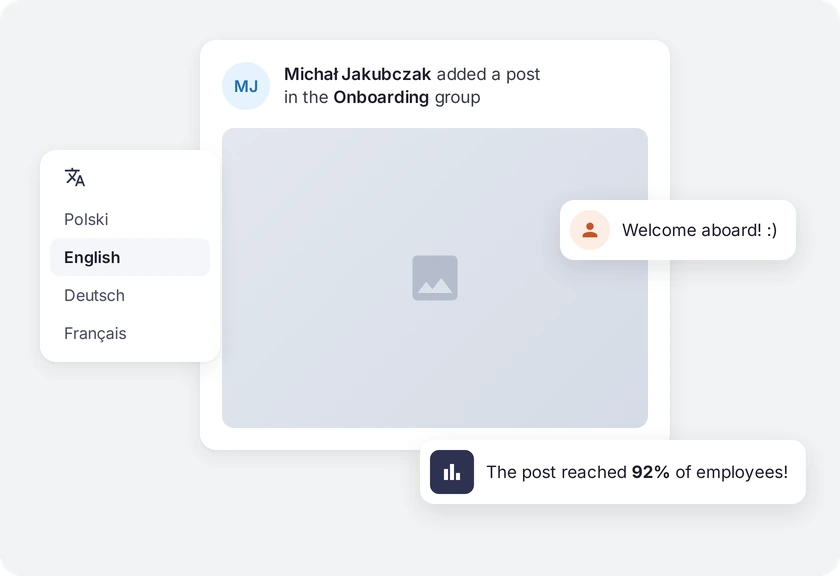
A post in the Onboarding group with a translation menu, a “Welcome aboard!” comment and a note that it reached 92% of employees

Organized strategic, HR and team communication

Board messages, HR information and team matters go to the right groups instead of everyone at once. Analytics shows which topics and channels work best.

Result: a consistent message and less information chaos

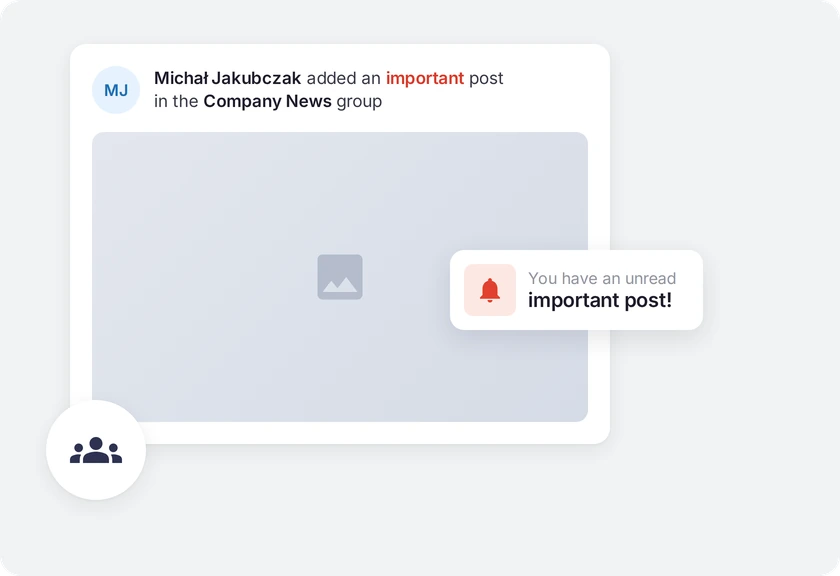
An important post in the Company News group and a notification about an unread important post

Employees without a work email (production, field, stores)

An urgent operational message reaches the mobile app and arrives as a push notification, also in the employee’s language. HR sees who has read it and sends a reminder to the rest.

Result: information reaches everyone, not just the office

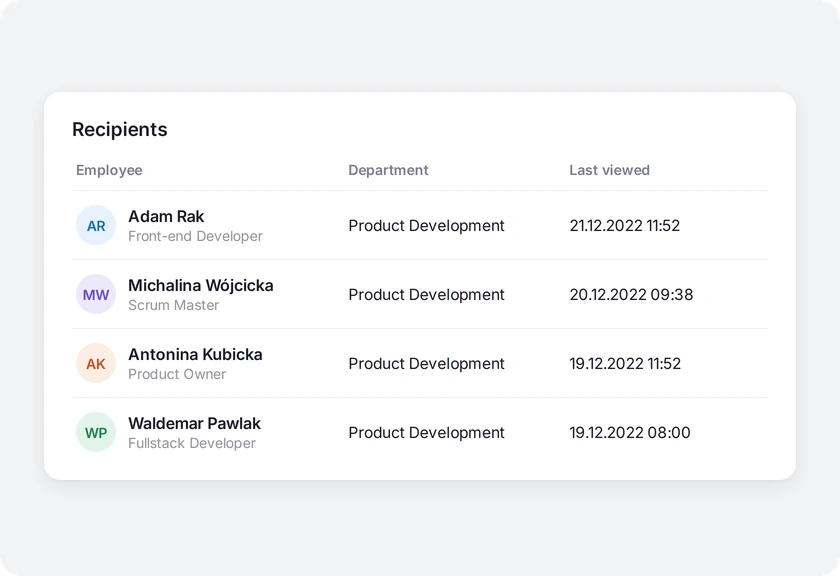
List of post recipients in Worksmile with their department and the date of the last view

Rolling out a new policy or organizational change

HR publishes a message to selected groups, e.g. specific locations. Worksmile shows reads and the people missing, so it is clear where to reach out again.

Result: less risk that “nobody knew”

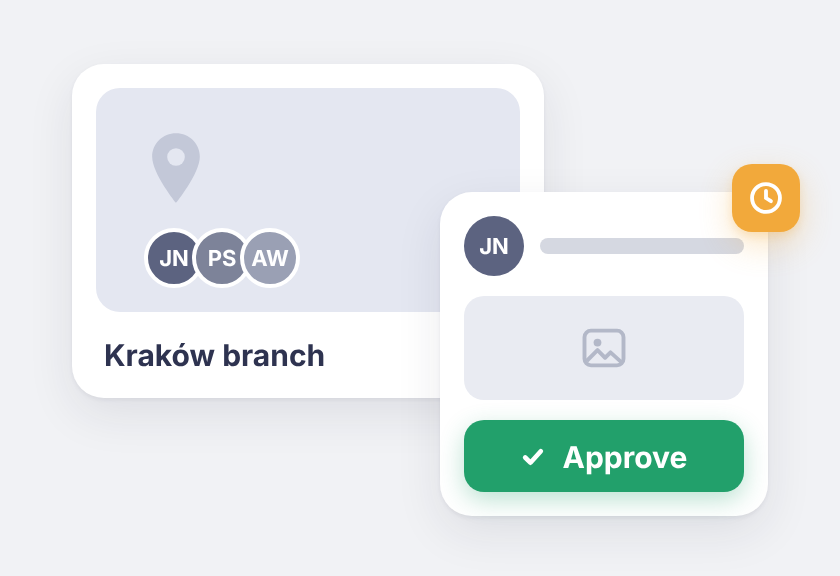
“Kraków branch” group and a member’s post awaiting moderator approval

Active location groups without reputational risk

Employees at branch offices post in their groups, and a designated moderator approves posts before they go live. Unpolished content goes back to the author with comments.

Result: more employee voices, fewer slip-ups on the feed

Who is it for? For HR, Managers and Employees

We support HR and team managers while caring for the experience of 100% of employees –⁠ across the entire employee lifecycle

HR/internal communication:

one publishing channel, measurable reach and less information chaos.

Manager:

a quick way to communicate changes and a group that keeps the team up to date.

Employee:

one place for information and events, plus space for conversation and initiatives.

Trusted by more than 360 clients and 200,000 employees

A platform people actually use, so HR projects deliver real results

Click a customer logo with a case study to read the implementation story. All case studies →

Want to know more about our platform?

See the answers to the most frequently asked questions, and if you want to learn more, click the “Book a demo” button

How does Worksmile increase organizational efficiency?

Worksmile lets companies choose only the features they actually need and adapt them to their existing processes, instead of forcing the organization to work according to a rigid system. As a result, HR, communication and benefits processes become faster, simpler and more predictable.

The platform connects many areas horizontally –⁠ HR processes, internal communication and benefits management –⁠ consolidating them into one coherent tool. This eliminates tool chaos and data fragmentation, while also delivering financial savings.

  • HR and managers are genuinely relieved of operational work thanks to a single panel for working with the team and HR processes.

  • Employees no longer search for information in emails, files and several systems –⁠ everything they need is in Worksmile.

  • The management board and decision-makers gain consistent data on how the organization operates, enabling them to better assess performance and build forecasts that support business decisions in the years ahead.

The result: less manual work, fewer tools, less chaos –⁠ more control, speed and better decisions.

How does Worksmile support the HR department in operational work?

The HR Panel is the central place for managing the organizational structure, employment history, employee data, processes, documents, requests, communication, benefits and reports. HR gains one tool for end-to-end process control, which improves the quality of employee service, shortens turnaround times and reduces the risk of errors.

How does Worksmile support team managers in operational work?

The Manager Panel provides access to key team data, attendance, benefits data, requests, documents and processes. The manager gets one operational tool that increases their agency, speeds up decision-making, improves communication with the team and lets them lead it based on up-to-date data.

Is switching to Worksmile from another platform difficult?

No –⁠ migration follows a standardized process and is run by a dedicated team. Data, structures and history are transferred without disrupting the company’s work.

Does Worksmile integrate easily with our current tools?

Yes. A lightweight, well-documented API and ready-made integrations are available (SSO, HR and payroll systems, ATS, working time). The result: automatic data synchronization and elimination of manual work.

How does Worksmile ensure employee data security?

The platform uses data encryption, RBAC, audit logs and hosting in certified data centers, and is compliant with GDPR and ISO –⁠ minimizing legal and operational risks.

How is Worksmile different from an HR and payroll system?

HR and payroll systems are essential for settlements, payroll and formal and legal obligations. Worksmile operates one layer above –⁠ it supports the everyday work of HR, managers and employees, where organizational efficiency is actually created.

Worksmile:

  • organizes and automates HR processes (onboarding, offboarding, documents, consents, requests, surveys, performance reviews),

  • centralizes and streamlines internal communication,

  • manages employee benefits,

  • gives managers and HR one operational tool for working with the team,

  • provides consistent data and reports that support management decisions.

The HR and payroll system and Worksmile do not compete with each other –⁠ they complement each other.
Thanks to integration (API / SSO), data is synchronized and the company gains:

  • less manual work,

  • fewer errors,

  • better information flow,

  • greater process transparency.

The result: HR and payroll handle settlements, while Worksmile genuinely improves how the organization works day to day.

How does Worksmile help reduce the cost of multiple HR tools?

It replaces several separate systems with one ecosystem, lowering licensing, implementation and administrative costs.