
Integrations and plugins
Worksmile connected to your systems – no retyping data
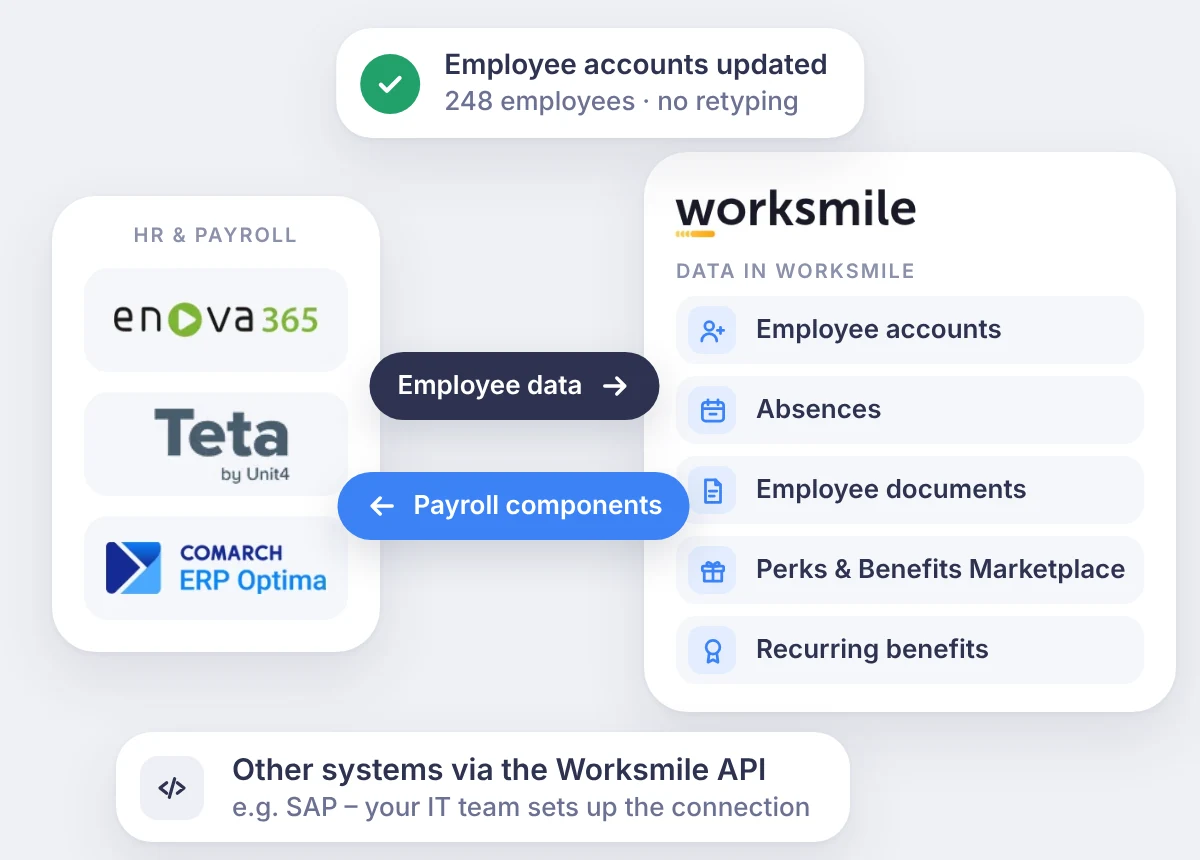
Worksmile connects with HR, payroll and ERP systems and the Microsoft 365 environment, supports SSO login, while plugins extend the Platform with further processes – working time tracking and paying out benefit funds.
A smooth flow of information is the foundation of an effective organization. Key HR and payroll data moves between systems without retyping, and processes are simplified and automated – so you can focus on what matters most, people and their development.
HR, payroll and ERP systems
No more retyping data between systems
Worksmile exchanges data with your HR and payroll system both ways – employee data flows into Worksmile, and payroll components from benefits flow back to payroll – with no manual retyping. Ready-made plugins work with enova365, Teta and Comarch ERP Optima, and you can connect other systems through the Worksmile API. The scope depends on the system – below you’ll find what each connection covers.
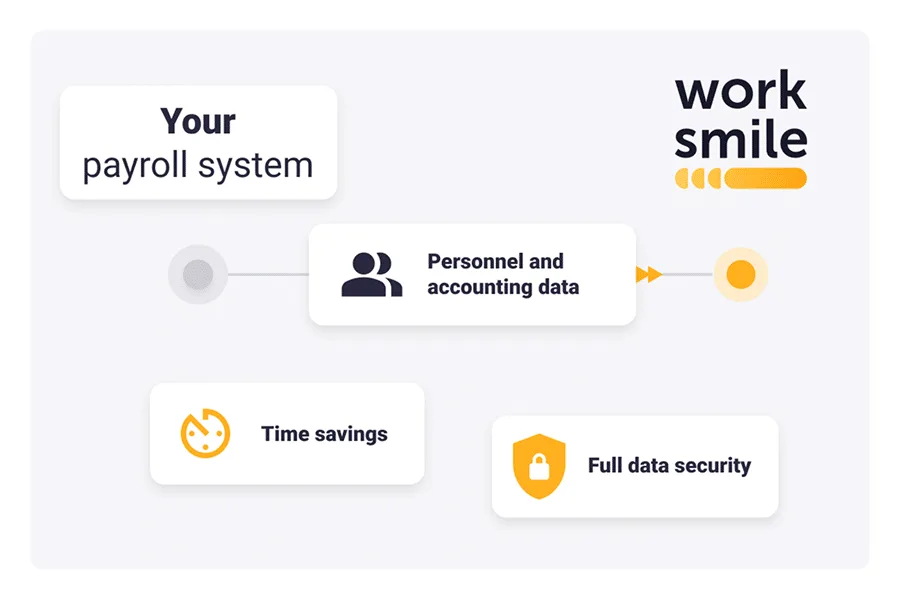
The value of automating data flows through integrations:
- Time savings for HR, administration, HR records and payroll teams
- Reduced risk of errors caused by manual data entry and processing
- Up-to-date data without manual corrections
- Data security thanks to encryption both in transit and at rest (TLS 1.2 and AES-256).
 ERP plugins
enova365
We developed the plugin together with the creators of enova365. HR stops retyping data, and payroll receives ready-made components from Worksmile.
- Up-to-date employee accounts in Worksmile based on enova365 data
- Payroll components from the Perks & Benefits Marketplace and recurring benefits
- Payroll components from allowances granted in Worksmile
- Absence synchronization
- Total Rewards Statement (TRS) data export from Worksmile
 ERP plugins
Teta
We built the plugin with our partner. It automates the most common data exchange between HR records and benefits.
- Up-to-date employee accounts in Worksmile based on Teta data
- Payroll components from the Perks & Benefits Marketplace and recurring benefits
 ERP plugins
Comarch ERP Optima
The Optima connection covers employee data, payroll and absences – no duplicated work in two systems.
- Up-to-date employee accounts in Worksmile based on Optima data
- Payroll components from the Perks & Benefits Marketplace and recurring benefits
- Payroll components from allowances granted in Worksmile
- Absence synchronization
Worksmile API
The widest scope of data exchange. Connect Worksmile with any HR and payroll system, e.g. SAP – your IT team sets up the connection on your system’s side.
- Up-to-date employee accounts in Worksmile
- Payroll components from the Perks & Benefits Marketplace, recurring benefits and allowances
- Absence synchronization
- Document synchronization, including payslips and PIT-11 tax forms
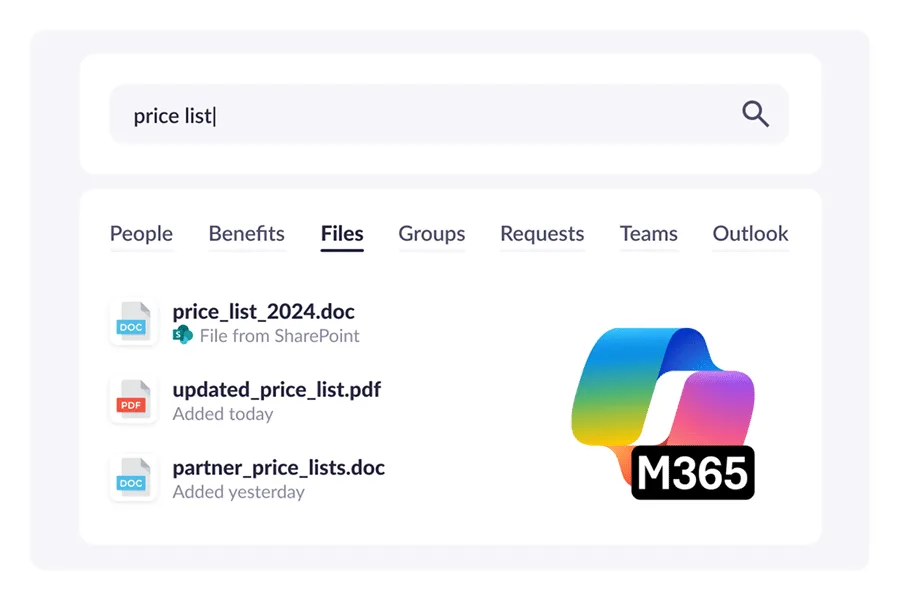
Microsoft 365 integration
Teams, Outlook and SharePoint connected with the Platform
Integrating Worksmile with the Microsoft 365 environment simplifies management and consistent internal communication. Employees keep using familiar tools, while content, files and calendars connect with the Platform:
- Centralizes internal communication by connecting Worksmile with Microsoft 365 tools
- Lets you search files and messages from SharePoint and Teams from a single Worksmile platform
- Multi-channel publishing of announcements and notifications about new content

SharePoint
- Improves resource management by letting you connect SharePoint folders with groups in Worksmile
- Gives easy access to recently opened SharePoint files through the Files widget available on the news board

Teams
- Improves meeting management and automates the flow of information by synchronizing absences and events across Worksmile, Teams and Outlook calendars at the same time
- Publish announcements on the Platform and in Teams simultaneously
- Better communication between employees – message colleagues on Teams directly from their employee profile / business card in Worksmile

Outlook
- Improves the reach of communication by making it easy to send announcements from the Platform by email
- Streamlines planning and communicating meetings and absences
- Easy access to employees' contact details (email address, phone number) from employee business cards.
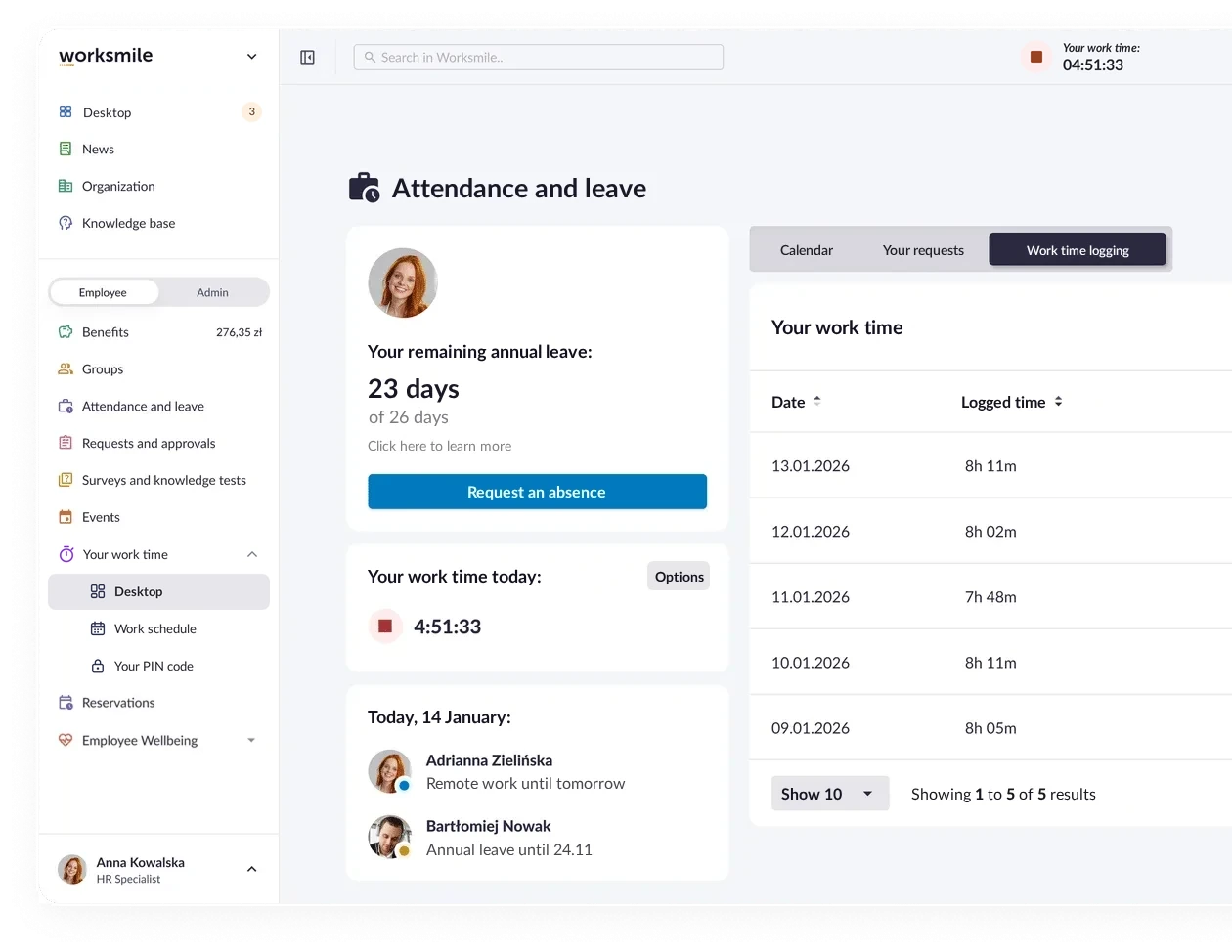
Time tracking
Kadromierz
Time tracking in Worksmile works together with Kadromierz:
- Time tracking in Worksmile (Start, Break, Stop) or on a device with the Kadromierz RCP app (QR code, PIN),
- Synchronization of employees, departments and absences from Worksmile to Kadromierz,
- Automatic calculation of hours, overtime and night hours,
- Reports and data export to HR and payroll systems.
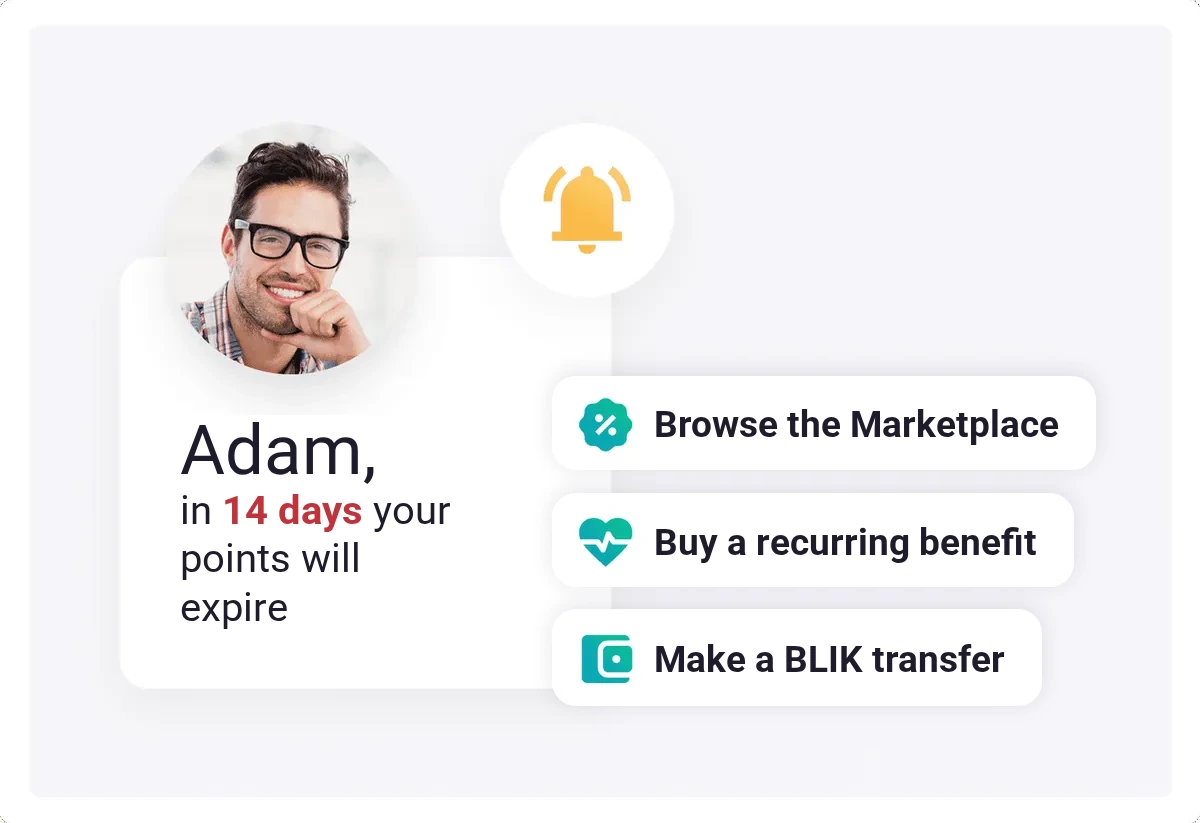
Bank transfers + BLIK payments
Benefit payouts straight to the employee’s account
- Transfer of points to a private account or a designated external account,
- Fast withdrawal with a BLIK code – also at an ATM.
You enable the add-on in the Perks & Benefits Marketplace.
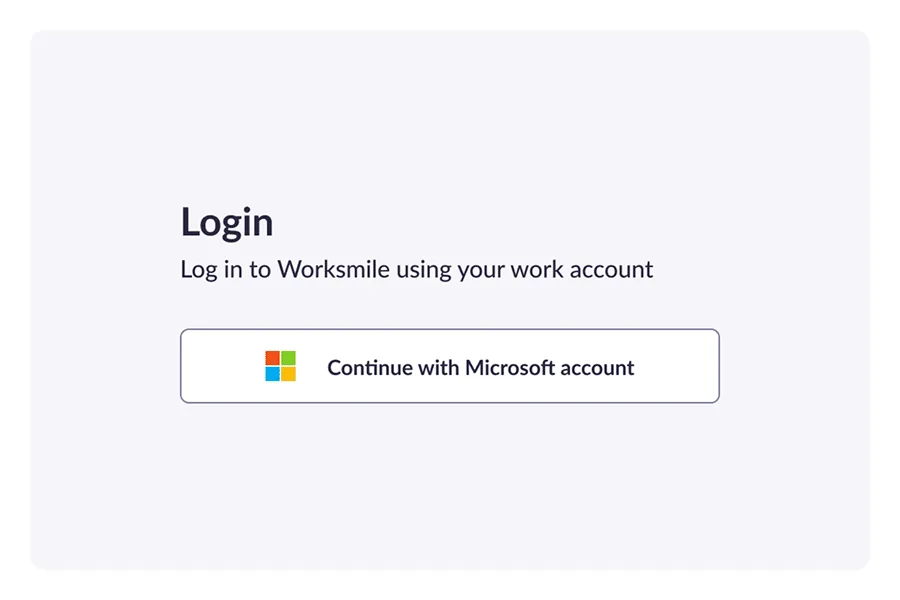
SSO login
SSO in Worksmile
Single Sign-On (SSO) makes it easier to log in to company tools and applications using the employee's work account, for example Microsoft 365. With SSO, users log in to Worksmile and other tools without having to remember multiple passwords or authenticate repeatedly.
Worksmile supports Single Sign-On from the most popular global providers:
- Microsoft 365 – Microsoft Entra ID
- Google Workspace (formerly G Suite)
- Okta
- PingIdentity
- JumpCloud
Greater convenience and work efficiency
Quick, hassle-free access to the resources you need in just a few moments.
One work account for Worksmile and connected tools
Fewer passwords to remember and consistent login rules across the company
Read how SSO protects access to data on the Security page.